Finding the best AI tools in 2026 is harder than it sounds. Every week a new tool launches with big claims, pricing changes, and models get updated. Meanwhile, the tools that actually save time look different from the ones that get the most press.
This guide cuts through the noise. Below you will find the strongest tools in each major category, what each one does well, where it falls short, and how to decide which belongs in your stack.
Last updated: May 2026. Tool rankings reflect current benchmarks, pricing, and community adoption.
Table of Contents
- Why AI Tools Matter Now
- General-Purpose AI Assistants
- Best AI Tools for Coding
- AI Writing Tools
- AI Research Tools
- AI Image Generation
- AI Productivity Tools
- How to Choose the Right Tool
- Frequently Asked Questions
Why AI Tools Matter Now
The numbers tell a clear story. As of 2026, at least 1.35 billion people worldwide actively use AI tools, roughly 16.3% of the global population. Among businesses, 94% use AI in at least one function. The AI software market alone hit $184 billion in revenue this year, up 42% year over year.
For individual users, the ROI is concrete. A McKinsey study published in February 2026, covering 4,500 developers across 150 enterprises, found AI coding tools reduce time on routine tasks by an average of 46%. A separate study found access to ChatGPT reduced time on writing assignments by 40% while output quality rose by 18%.
For knowledge workers, Accenture estimates the average productivity value of generative AI tools at $7,800 per employee per year. At $20 to $50 per month for most premium tools, the math is easy.
General-Purpose AI Assistants
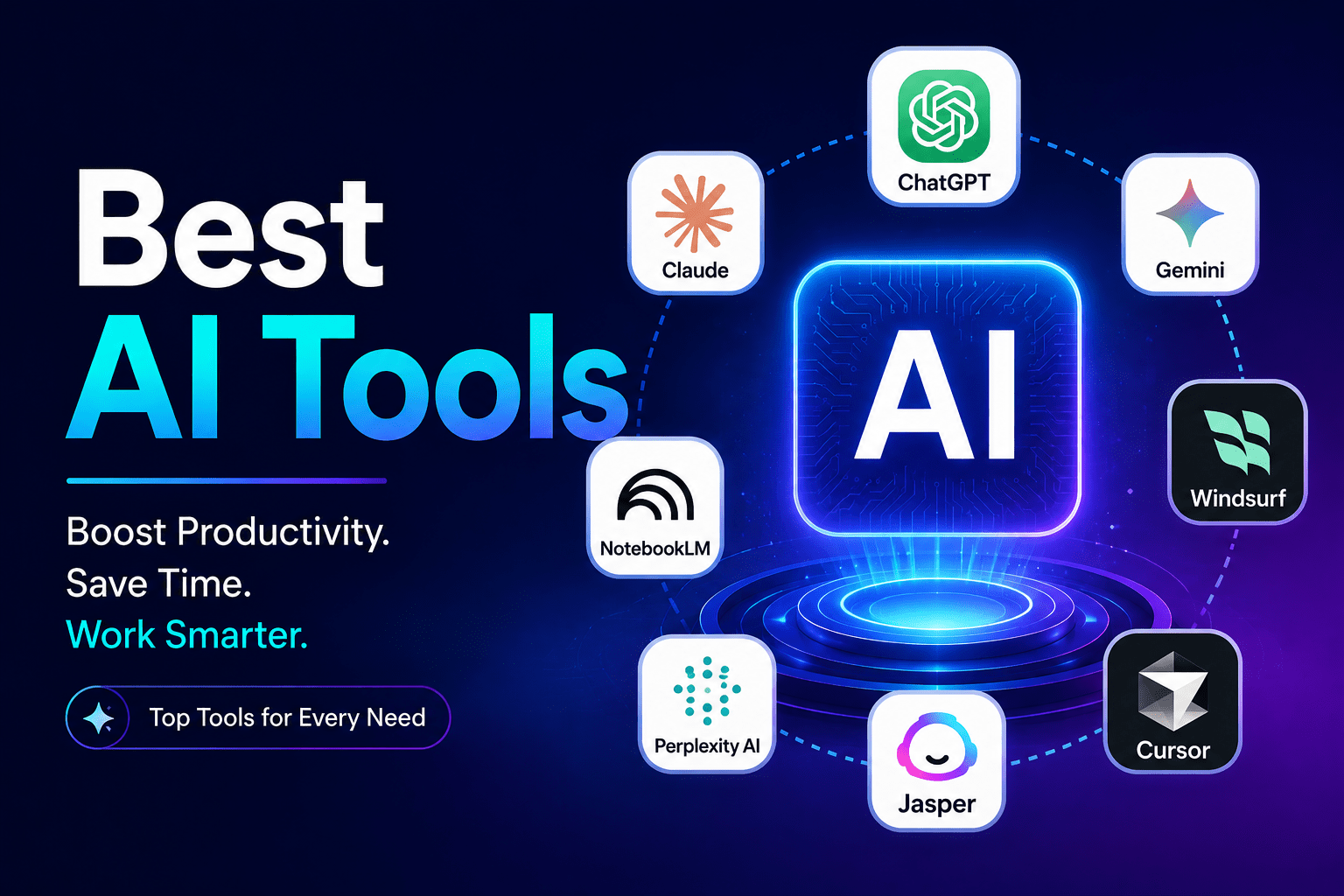
These tools handle questions, writing, analysis, coding, and creative tasks from one interface. The three platforms that dominate this category are ChatGPT, Claude, and Gemini.
ChatGPT (OpenAI) — Best all-rounder
Current model: GPT-5.4, released March 2026. It runs on a 1-million-token context window and includes built-in computer use for agentic tasks. It scored 83% on OpenAI’s GDPval knowledge work benchmark. The free tier includes limited access to GPT-5.3 Instant.
Best for: Users who need one tool to cover writing, coding, images, and general tasks. Specialists beat it in each individual category, but no other tool does everything as reliably.
Claude (Anthropic) — Best for writing and long documents
Current models: Claude Sonnet 4.6 (free and Pro) and Claude Opus 4.7 (Pro and Max). Claude leads on complex reasoning, long-form writing, and document analysis. Its free tier includes Claude Sonnet 4.6 with a generous context window.
Best for: Writers, analysts, and developers who work with large documents, code reviews, or tasks requiring careful reasoning.
Gemini (Google) — Best for Google Workspace users
Current model: Gemini 3.1 Pro. Gemini integrates directly with Google Docs, Drive, Gmail, and Sheets. For teams already inside Google’s ecosystem, this integration alone justifies the $19.99/month plan.
Best for: Teams running workflows inside Google Workspace.
Best AI Tools for Coding
Coding is where AI tools have delivered the most measurable impact. According to the Stack Overflow Developer Survey, 84% of developers now actively use or plan to adopt AI coding tools. GitHub reports that over 51% of all code committed to its platform in early 2026 was either generated or substantially assisted by AI.
| Tool | Best For | Starting Price | Benchmark |
|---|---|---|---|
| Claude Code | Agentic, multi-file coding | Included with Claude Pro ($20/mo) | 80.8% SWE-bench Verified |
| Cursor | AI-native IDE for daily coding | Free / Pro $20/mo | #1 on CursorBench among IDEs |
| GitHub Copilot | Best value for VS Code users | $10/mo | 84% developer adoption |
| Windsurf | Teams needing security compliance | Free / Pro $15/mo | Strong enterprise governance |
Claude Code ranks first on SWE-bench Verified at 80.8%. It understands repositories, handles multi-file refactors, and runs tasks with minimal supervision. Cursor holds the top IDE position with over 1 million users and $2 billion in annual recurring revenue. GitHub Copilot remains the value pick at $10/month for developers who prefer to stay inside VS Code.
AI Writing Tools
AI writing tools deliver the fastest measurable ROI for most professionals. Email drafts, status reports, and client summaries that used to take 30 minutes now take 5. The top tools split into general-purpose assistants and purpose-built content platforms.
Claude — Best for long-form and nuanced writing
Claude leads on tasks where tone, nuance, and context depth matter. It follows complex instructions without sounding robotic. Ideal for: Essays, reports, client-facing documents, and content briefs.
ChatGPT — Best for speed and volume
ChatGPT turns rough instructions into usable first drafts faster than any other tool. It is strong on brainstorming, email drafts, social copy, and structured content like outlines. Ideal for: High-volume content teams and quick-turnaround writing tasks.
Jasper — Best for brand consistency at scale
Jasper is purpose-built for marketing teams that need consistent brand voice across dozens of writers and campaigns. It includes brand voice controls, campaign templates, and team collaboration features that general-purpose assistants lack. Ideal for: Content marketing teams and agencies managing multiple brand voices.
AI Research Tools
Perplexity has established a distinct category as an answer engine rather than a writing assistant. It combines real-time web search with AI reasoning to return sourced, cited answers. For research tasks, this is a meaningful difference from tools that may draw on stale training data.
Perplexity AI — Best for research and fact-checking
Perplexity reads the web and gives you cited answers rather than a list of links. Its Deep Research feature analyzes hundreds of sources in minutes. Pro at $20/month includes over 300 deep research queries per day and file analysis. Best for: Analysts, students, journalists, and anyone who needs sourced answers to current questions.
NotebookLM (Google) — Best for your own documents
NotebookLM lets you upload your own files, PDFs, and notes, then ask questions against that specific material. It cites answers directly from your sources. Best for: Students, researchers, and teams working with large internal document sets.
AI Image Generation
The image generation space fractured in 2026. No single tool leads across every use case. The right choice depends on what matters most to you.
| Tool | Strength | Free Tier | Starting Price |
|---|---|---|---|
| Midjourney v7 | Aesthetic quality, minimal prompting | No | $10/mo |
| Flux Pro | Photorealism, portraits, product shots | Via third-party tools | Pay-per-generation |
| Adobe Firefly 3 | Commercial safety, licensed training data | Limited credits | Included with Adobe plans |
| Ideogram | Text inside images, logos, signage | ~25 images/day | Free / $8/mo |
| Google ImageFX | Free photorealistic generation | Yes, generous limits | Free |
| DALL-E 3 (via ChatGPT) | Complex prompt adherence | Limited | Included with ChatGPT Plus |
Midjourney v7 still leads on raw aesthetic results with minimal prompt engineering effort. Flux Pro from Black Forest Labs, developed by former Stability AI researchers, produces photorealistic portraits and product images often indistinguishable from photographs. For commercial work, Adobe Firefly stands apart: it trains exclusively on licensed content, removing legal risk for client or advertising work.
AI Productivity Tools
Beyond the major AI assistants, a set of specialized tools targets specific workflows: meetings, project management, writing inside your existing apps, and automation.
Notion AI — Best for team knowledge management
Notion AI turns meeting notes into action items, summarizes documents, and helps teams build SOPs without adding headcount. It works inside the workspace your team already uses. Best for: Teams using Notion who want AI without switching tools.
Fireflies AI — Best for meeting transcription
Fireflies records, transcribes, highlights key points, and routes action items to the right people. For teams running back-to-back calls across time zones, it solves the meeting-documentation problem without adding manual work. Best for: Sales teams, global teams, and founders with heavy meeting schedules.
Grammarly — Best for real-time writing feedback
Grammarly works inside Gmail, Slack, Google Docs, and most web apps. It corrects grammar, flags tone issues, and rewrites sentences in context. Unlike standalone writing assistants, it improves your writing as you type, wherever you type. Best for: Anyone who communicates in writing across multiple apps daily.
Zapier AI — Best for connecting AI to your existing tools
Zapier lets you connect AI models to thousands of apps, triggering automated workflows when real-world events happen. You build automation without writing code. Best for: Operations teams and non-technical users who want to automate cross-app workflows.
How to Choose the Right AI Tool
Most productivity losses from AI adoption come from adopting too many tools at once, not too few. Here is a framework that works.
Start with your highest time cost. Before looking at any tool, identify the single daily task where you lose the most time. Writing? Meetings? Code review? Research? That task determines your first tool.
One tool, one function, for 30 days. Adopt one tool for that task. Give it three to four weeks before measuring impact. A 30% or greater reduction in time on the targeted task at 90 days confirms positive ROI for most tools at $10 to $25 per month.
Match the tool to the task. ChatGPT is the fastest path to a usable draft. Claude handles long, complex documents better than any other tool. Perplexity returns sourced answers for research. Cursor and Claude Code handle code. No single tool wins everywhere.
Factor in integration. A tool that plugs into your existing workflow will deliver value faster than one requiring you to change your entire setup. If your team runs on Google Workspace, Gemini’s integrations compress the adoption curve. If you live in VS Code, GitHub Copilot installs in minutes.
Check free tiers before committing. In 2026, free tiers are genuine. Claude’s free tier, Perplexity’s free tier, and Google ImageFX all deliver real value without a subscription. Start free, build the habit, and upgrade only when limits slow your work.
Frequently Asked Questions
What is the best all-around AI tool in 2026?
ChatGPT (running GPT-5.4) is the most versatile all-purpose tool. It handles writing, coding, image generation, and agentic tasks from a single interface. For specific tasks, Claude leads on long-form writing and document analysis, Perplexity on research, and Cursor or Claude Code on coding.
Which AI tool is best for coding in 2026?
Claude Code ranks first on the SWE-bench Verified benchmark at 80.8%, making it the top pick for agentic, multi-file coding. Cursor is the best AI-native IDE with over 1 million users. GitHub Copilot offers the best value at $10/month for developers inside VS Code.
Are free AI tools worth using in 2026?
Yes. Claude’s free tier gives you access to Claude Sonnet 4.6. Perplexity’s free tier delivers sourced, cited research answers. Google ImageFX is free and competes with paid image generators.
What is the best AI tool for image generation?
Midjourney v7 produces the most aesthetically polished images with minimal prompting effort. Flux Pro leads on photorealism. Adobe Firefly is the safest choice for commercial use. Ideogram is best when you need readable text inside the image.
How do I choose the right AI tool for my workflow?
Identify the single daily task that costs you the most time. Pick one AI tool targeting that task, use it for two to three weeks, and measure the time saved before adding another tool.
How many people use AI tools in 2026?
At least 1.35 billion people worldwide actively use AI tools as of 2026, roughly 16.3% of the global population. Among organizations, 94% use AI in at least one business function, up from 78% in late 2024.
Start with the Best AI Tools for Your Needs
The best AI tool is the one you actually use. Start with the category that matches your highest-cost task, pick one tool, use the free tier for two weeks, and measure the time saved. That is the whole framework.