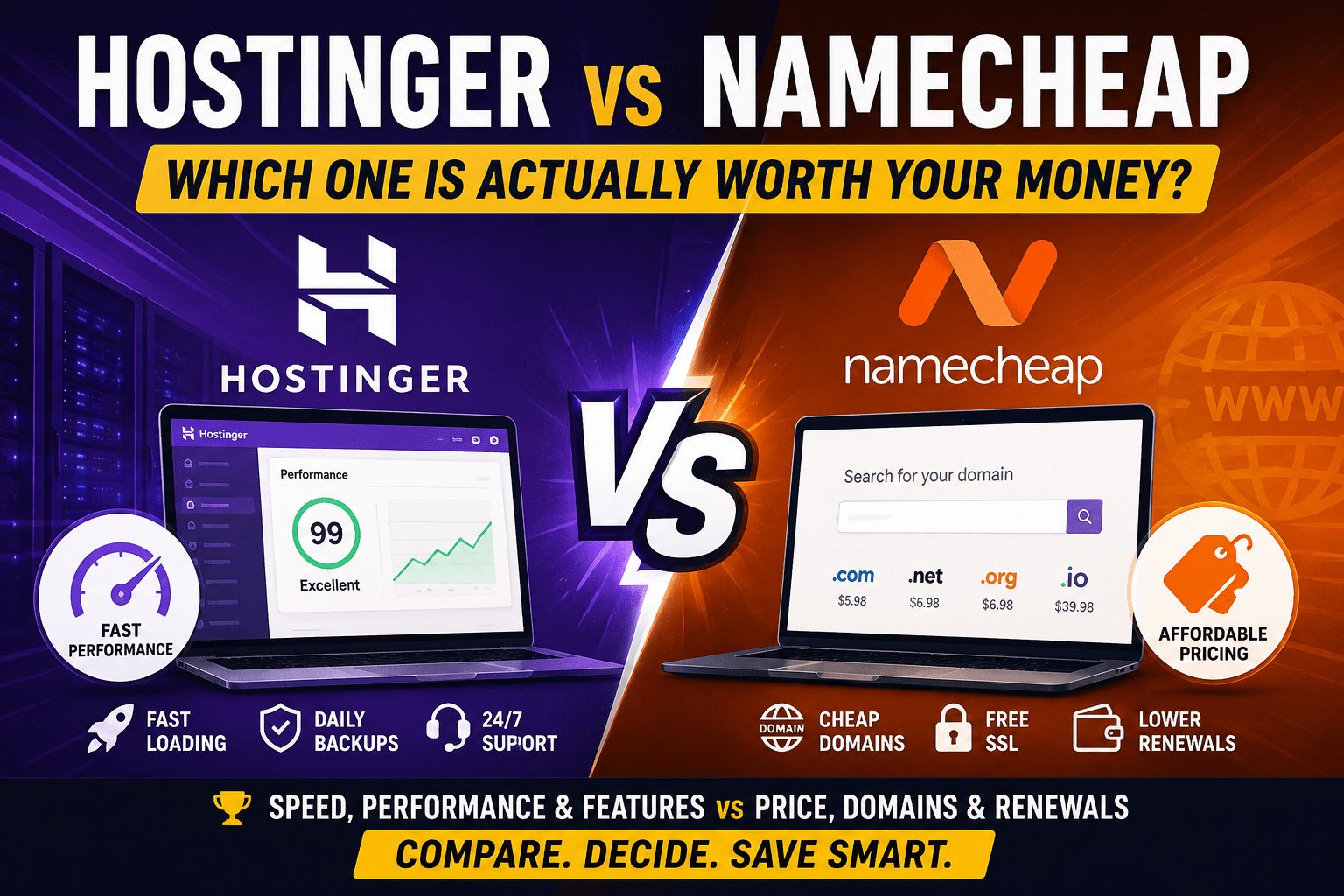
Both hosts pitch themselves as the affordable option. Both have millions of users. And both will deliver a functioning website. So why does picking between them feel harder than it should?
The honest answer: they are built for different things. Namecheap started as a domain registrar and expanded into hosting. Hostinger started as a hosting provider and added domains as an afterthought. That difference in origin shapes nearly everything about how each company operates today — what they prioritize, where they cut corners, and which users they actually serve well.
This comparison is based on published performance data, independent testing results, and a detailed review of both platforms. Prices are current as of mid-2026 but will change; always confirm at checkout.
Quick Verdict
Hostinger wins on performance, features, and long-term value for most users. Its LiteSpeed servers, NVMe storage on higher plans, and 12 global data centers give it a real speed advantage over Namecheap’s Apache-based shared hosting. Independent testing from Hostingstep, which tracked over 564,000 performance measurements across several years, recorded 99.99% uptime for Hostinger’s Business plan in 2025 and a global average TTFB of 223ms.
Namecheap wins on domain pricing, renewal predictability, and its EasyWP managed WordPress plans. If you already manage domains there and want simple hosting to sit alongside them, staying in one place is a reasonable call. It also still holds an edge on cPanel familiarity — something that matters if you are migrating from another host that uses it.
| Category | Hostinger | Namecheap | Winner |
|---|---|---|---|
| Intro price (shared) | From about $2.99/mo | From about $1.98/mo | Namecheap |
| Renewal pricing | Higher renewal jump | More predictable renewals | Namecheap |
| Server technology | LiteSpeed + NVMe | Apache + SSD | Hostinger |
| Shared hosting speed | Faster WordPress performance | Good but slower under load | Hostinger |
| Uptime | Strong uptime consistency | Good overall uptime | Hostinger |
| Control panel | Custom hPanel | cPanel | Tie |
| Free SSL | Free lifetime SSL | Free SSL on most plans | Tie |
| WordPress optimization | LiteSpeed Cache support | EasyWP available | Hostinger |
| Beginner friendliness | Easier setup and dashboard | Traditional hosting layout | Hostinger |
| Domain registration | Competitive pricing | Strong domain management | Namecheap |
| Support speed | Improved live chat | Fast support responses | Slight Namecheap edge |
| Data centers | Multiple global locations | Fewer locations | Hostinger |
| Scalability | Better for growing sites | Better for smaller projects | Hostinger |
| Best use case | Hosting websites and SaaS | Domains and small hosting | Depends on need |
Pricing and Renewal Costs
The sticker price is only part of the story. Both hosts use the industry-standard approach of steep introductory discounts followed by significantly higher renewal rates. The gap between intro and renewal is where they differ most.
Hostinger pricing
Hostinger’s shared hosting starts at around $2.99/month on a 24-month plan. The Business plan — which adds NVMe storage and daily backups — comes in around $3.99/month as an intro rate but renews at approximately $16.99/month. That is a 290-plus percent increase. The caveat is that Hostinger’s renewals are higher than Namecheap’s in raw percentage terms, but they are not wildly out of line with the features included at that price point. The Business plan renewal includes daily backups and CDN, features that cost extra elsewhere.
To get Hostinger’s lowest prices, you need a 48-month commitment. If you are not comfortable locking in four years with a host you have never used, the 24-month rate is a reasonable middle ground. There is a 30-day money-back guarantee on all plans.
Namecheap pricing
Namecheap’s Stellar shared hosting starts at around $1.98/month for the first year and renews at $3.88/month — a roughly 96% increase that is still low in absolute terms. The mid-tier Stellar Plus, which includes unlimited sites, renews at around $5.88/month. These renewal rates are notably more predictable than Hostinger’s.
Namecheap caps shared hosting at a 2-year maximum prepayment, which limits your exposure if your needs change. The trade-off is that you lose the deeper long-term discounts Hostinger offers at 4 years.
The real cost question
Run the 3-year total cost in your head. A Namecheap Stellar Plus at year-1 pricing, then two years at renewal, works out to roughly $140 for three years. A Hostinger Business plan locked in for three years costs around $144 at intro rates — almost identical, but with better hardware and features. The numbers shift significantly based on which plan tier you compare, so do not take the headline prices at face value.
Both hosts are transparent about renewal rates at checkout. Check that number before you commit.
Performance and Speed
This is where the difference is most concrete, and most useful to know before you pick.
Hostinger runs LiteSpeed web servers with built-in LSCache. LiteSpeed handles concurrent requests more efficiently than Apache, the server software Namecheap’s shared hosting uses. The practical difference shows up under load: in one 180-day test with identical WordPress installations, a simulated spike of 100 concurrent users caused Hostinger’s response time to increase by 120ms, while Namecheap’s Apache setup slowed by 380ms. That gap is not catastrophic, but it is consistent.
Hostinger’s Business plan also includes NVMe solid state storage. NVMe drives read and write faster than standard SSDs, which speeds up database queries — something WordPress sites feel directly. Namecheap’s shared plans use SSD storage, which is adequate but slower for data-heavy operations.
Uptime is strong on both platforms for most users. Hostingstep’s multi-year data set records 99.98% uptime for Hostinger’s Premium plan and 99.99% for the Business plan in Q4 2025. Namecheap’s shared hosting is reliable for moderate traffic sites but has shown inconsistency during peak hours, with time-to-first-byte spikes to 900ms reported during evening traffic periods.
Hostinger operates across 12 or more global data centers including the US, Europe, Brazil, India, Singapore, and Indonesia, plus CDN edge locations. Namecheap offers US, UK, EU (Amsterdam), and Singapore. For audiences concentrated in a single region, either will work. For a site with genuinely global traffic, Hostinger’s wider network is an advantage.
Features and Ease of Use
Control panels
Hostinger uses hPanel, a custom-built dashboard. It is clean, uncluttered, and genuinely good for beginners. WordPress installs, SSL setup, domain management, and backups are all in obvious places without needing to know what cPanel is. The trade-off: if you are migrating from a cPanel-based host and have custom server configurations or scripts that rely on cPanel paths, you will need to adapt.
Namecheap uses cPanel, the industry-standard panel that most long-time hosting users know well. It is more powerful for advanced configurations, slightly more crowded as an interface, and familiar to anyone who has hosted elsewhere before. If you have used cPanel before, there is no learning curve.
Included features comparison
| Feature | Hostinger Business | Namecheap Stellar Plus |
|---|---|---|
| Websites | 100 | Unlimited |
| Storage | 200 GB NVMe | Unmetered SSD |
| Free domain | Yes (1 year) | Yes (1 year) |
| Free SSL | Lifetime | First year only |
| Backups | Daily | Automated (weekly on Stellar) |
| CDN | Included | Basic CDN (50 GB/month limit) |
| Malware scanning | Yes | Basic (advanced paid) |
| AI assistant | Kodee AI included | Limited AI tools |
| Email accounts | Unlimited | Unlimited |
| PHP version choice | Yes | Yes (5.6 through 8.4) |
Hostinger includes daily backups starting from the Business plan. Namecheap’s shared plans include automated backups, but the frequency and retention vary by plan. For anyone running a site that changes daily — a blog, a store — daily backups matter.
The Namecheap CDN has a 50 GB/month traffic cap on the free tier. Hostinger’s CDN is included without a stated monthly limit. For a high-traffic site, that distinction is worth checking before you scale.
WordPress Hosting
Most websites run on WordPress. How each host handles it matters more than almost any other comparison point.
Hostinger’s shared hosting includes WordPress pre-configured with LiteSpeed caching. The combination of LiteSpeed and NVMe storage on Business plans makes a measurable difference for WordPress sites with plugins, images, and WooCommerce. Hostinger also offers dedicated WordPress hosting plans starting at around $1.79/month (introductory) on 24-month terms.
Namecheap’s shared hosting installs WordPress but does not optimize it. The standard Apache setup handles low-traffic WordPress sites fine. For anything more demanding, its EasyWP managed WordPress plans are the better option within Namecheap’s ecosystem. EasyWP runs on its own NVMe-based infrastructure with better performance than shared hosting. The Starter plan includes 10 GB storage and handles up to a basic blog or small business site.
The EasyWP limitation worth knowing: each plan covers exactly one WordPress site. If you run five sites, you need five EasyWP plans, which adds up quickly. Hostinger’s WordPress plans allow multiple sites per account at similar price points.
For a WordPress developer managing multiple client sites, Hostinger’s hosting structure is more practical. For someone with one WordPress blog who already registers their domain at Namecheap, EasyWP is a reasonable option that keeps everything in one account.
Domain Registration
Namecheap built its reputation here, and that reputation holds. Its .com domain pricing sits around $8.88/year for registration and renewal — consistently below GoDaddy and most major registrars. More importantly, it includes free WhoisGuard privacy protection on most TLDs. Many registrars charge $9.99 or more per year for the same feature.
Namecheap’s domain management interface is clean. Bulk search tools, DNS management, and transfer processes all work well. It is also one of the more straightforward registrars when it comes to actually moving a domain away if you decide to leave.
Hostinger offers domains at competitive rates, often including one free for the first year with a hosting plan. Its domain management sits inside hPanel and is functional. But domains are not Hostinger’s core product, and it shows in the narrower range of TLDs and fewer advanced domain management features.
The most common setup among people who know both platforms: register and renew domains at Namecheap, host with Hostinger. Pointing a Namecheap domain to Hostinger servers takes a nameserver update and about five minutes of work.
Customer Support
Both hosts offer 24/7 live chat. The experience is different.
Namecheap’s chat connects to human agents relatively quickly. In independent tests, responses from a live technician came in under a minute after initial bot interaction. The agents are knowledgeable and give direct answers. Phone support is not available on any plan.
Hostinger’s support relies more heavily on its AI assistant (Kodee) and a very extensive knowledge base before routing to a human agent. The knowledge base is well-organized, covers most common issues with video walkthroughs and screenshots, and answers many questions faster than waiting for a chat response. Ticket response times run around 20 minutes, which is fast for a ticket system but slower than Namecheap’s live chat.
Namecheap’s edge is in getting to a human quickly. Hostinger’s edge is in self-service quality — the knowledge base is significantly better. For a beginner who wants to solve things independently, Hostinger’s documentation is more useful. For someone who wants to explain a problem and have a person fix it, Namecheap’s chat is the faster path.
Security
Hostinger takes a more proactive approach. It includes automatic malware scanning, a web application firewall, free SSL that auto-renews indefinitely, and DDoS protection on all plans. The Business plan adds daily backups as a security baseline.
Namecheap includes free SSL (first year), basic DDoS protection through its Supersonic CDN free tier (which you need to activate manually), and ModSecurity as a basic traffic filter. Advanced firewall features require the paid CDN tier. Malware protection is more limited on shared plans.
Neither host is a managed security platform. Both require you to handle plugin updates, user permissions, and database hygiene on your own WordPress site. The difference is in how much is done by default. Hostinger handles more automatically. Namecheap expects you to configure more yourself.
Who Should Use Each Host
Choose Hostinger if:
- You are launching a new website and want the fastest shared hosting at a budget price
- You run one or multiple WordPress sites and want built-in caching and NVMe storage
- You are a beginner who wants a clean dashboard and good self-service documentation
- You want daily backups and lifetime SSL without paying extra
- Your audience is global and you want to choose a data center close to your visitors
- You are willing to commit 2–4 years upfront to lock in lower pricing
Choose Namecheap if:
- Domain registration and management is your primary need
- You already have domains at Namecheap and want hosting in the same account
- You prefer cPanel and want familiar hosting infrastructure
- You want lower renewal pricing and more flexibility without long-term commitments
- You are running one WordPress site and EasyWP meets your performance needs
- You want faster access to human support agents via live chat
Use both if:
Register your domains at Namecheap for the pricing, privacy protection, and reliable registrar track record. Host your sites at Hostinger for the server performance and features. Update your nameservers in Namecheap’s dashboard to point to Hostinger. It takes five minutes and costs nothing extra.
Frequently Asked Questions
Is Hostinger better than Namecheap?
For most people starting a website, yes. Hostinger delivers faster server performance with LiteSpeed and NVMe storage, a more beginner-friendly control panel, free daily backups on higher plans, and better long-term value. Namecheap is the stronger choice if domains are your priority or you prefer cPanel and more predictable renewal pricing.
Which is cheaper, Hostinger or Namecheap?
Namecheap is cheaper in the short term. Its Stellar plan starts at around $1.98/month for the first year and renews at $3.88/month. Hostinger’s Premium plan starts at around $2.69/month on a 24-month term but renews at $10.99/month. The renewal jump is steeper with Hostinger. If you lock in a longer Hostinger term, the total 3-year cost becomes competitive. If you want flexibility or lower renewal rates, Namecheap wins on price.
Is Namecheap good for WordPress hosting?
Namecheap’s shared hosting works for basic WordPress sites. Its EasyWP managed WordPress plans are significantly faster and worth considering for anyone who runs WordPress specifically. The limitation: each EasyWP plan covers one site only, so costs rise quickly if you manage multiple WordPress projects. Hostinger’s WordPress hosting plans cover multiple sites at similar intro prices.
Does Namecheap include free SSL?
Yes, but only for the first year on shared hosting plans. After that, you need to manually install a free Let’s Encrypt certificate or pay for a commercial SSL. Hostinger includes free SSL on all plans with auto-renewal at no extra cost for the life of the account.
Which host has better customer support, Hostinger or Namecheap?
Namecheap’s live chat connects to human agents faster. Hostinger’s support relies more heavily on its knowledge base and AI assistant, but the knowledge base is more thorough than Namecheap’s. For quick answers to specific questions, Hostinger’s documentation often gets you there without waiting. For direct person-to-person help, Namecheap is faster.
Is Namecheap a good domain registrar?
Yes, and one of the best. Namecheap offers .com domains from around $8.88/year, includes free WhoisGuard privacy on most TLDs, and keeps renewal rates relatively close to registration prices. For most users it is a better domain registrar than GoDaddy, Bluehost, or Hostinger purely on pricing and privacy features.
Can I use a Namecheap domain with Hostinger hosting?
Yes, and many people do. You register the domain with Namecheap, then update the DNS nameservers in your Namecheap domain dashboard to point to Hostinger’s servers. Hostinger provides the nameserver addresses in its hPanel. DNS propagation typically completes within a few hours.